


We add MFA to customer-facing apps, internal tools, VPNs, remote desktop and admin consoles. Service accounts and legacy protocols that cannot support MFA are identified and isolated instead of being left as a silent bypass.

Multifactor Authentication (MFA) Integration & Setup
What MFA Protects Against
Threats MFA Stops and Where It Needs Reinforcement
-
Account Takeovers (ATOs)
A stolen password is no longer enough to sign in. The attacker also needs a device, a security key or a biometric check that stays with the user.
-
Phishing Attacks
Codes sent by SMS or generated in an authenticator app can still be phished through real-time proxy sites. Passkeys and FIDO2 security keys are bound to your domain, so a fake login page receives nothing it can reuse. We deploy them wherever the risk justifies it.
-
Brute-Force and Credential Stuffing Attacks
Passwords leaked in other breaches stop working on their own. Even a correct password fails without the second factor, and repeated attempts trigger rate limits and alerts.
-
Remote Access and VPN Security Risks
VPN gateways, remote desktop and admin consoles are frequent entry points in ransomware incidents. MFA on these systems closes the path that stolen credentials would otherwise open.
-
MFA Fatigue Attacks
Attackers send repeated push requests until a user approves one just to make them stop. Number matching, request limits and the sign-in location shown in the prompt stop blind approvals.
Multifactor Authentication Services We Provide
Multifactor Authentication Services We Provide
-
End-to-End MFA Integration and Network Security
-
Centralized Access Control with SSO and Role-Based MFA
Single sign-on through SAML or OpenID Connect lets users verify once per session, while role-based policies decide which factor each role needs. Administrators and finance users get security keys, and other staff use push or passkeys.
-
Adaptive Authentication
Policies weigh device trust, network, location, and sign-in behavior to decide when to ask for a second factor. Users on a known device keep working, while a login from a new country or impossible travel between two locations triggers step-up verification.
-
Passkeys and Biometric Authentication
We implement passkeys and FIDO2 security keys through the WebAuthn standard, with Face ID, Touch ID or Windows Hello as the local unlock. The biometric data never leaves the device. This is the phishing-resistant MFA that CISA recommends for high-risk access.
-
Push Notification Authentication
Push approval in an authenticator app, with number matching and the sign-in location shown in the prompt. Users confirm in one tap, and fatigue attacks stop working.
-
Hardware and Software Tokens
Time-based codes from authenticator apps, FIDO2 security keys and hardware OTP tokens for staff who can’t use a smartphone at work. Each role gets the factor that matches its risk level.
-
Self-Service Account Recovery
Users register more than one factor and receive one-time recovery codes, so a lost phone doesn’t lock them out. When every factor is lost, recovery goes through a verified identity check instead of security questions, which attackers can often research or guess.
-
SMS and Email OTP Configuration
SMS and email codes cover low-risk scenarios and users without smartphones. Because these channels can be intercepted through SIM swapping or a compromised mailbox, we configure them as a fallback and never as the main factor for privileged access.
Benefits
Benefits of Multifactor Authentication Setup with Devox
01
Extra checks only when the risk is higher
Adaptive policies look at the device, location and login behavior. A user on a known laptop signs in as usual, while a login from a new country gets a second factor.
02
Fewer password-reset tickets
Users restore access on their own with backup codes and verified fallback methods. Your help desk handles only the cases that need a person.
03
One sign-in across your apps
SSO combined with role-based MFA lets employees authenticate once per session. Admin and finance roles get stricter factors, such as hardware keys.
04
Built on the identity provider you already use
We configure MFA in Okta, Auth0 or Microsoft Entra ID so policies stay in one place.
05
Login records ready for audits
Every MFA event is logged with the user, device, factor and result. Security teams can export these records for PCI DSS or SOC 2 reviews.


 Lebanon
FINTECH
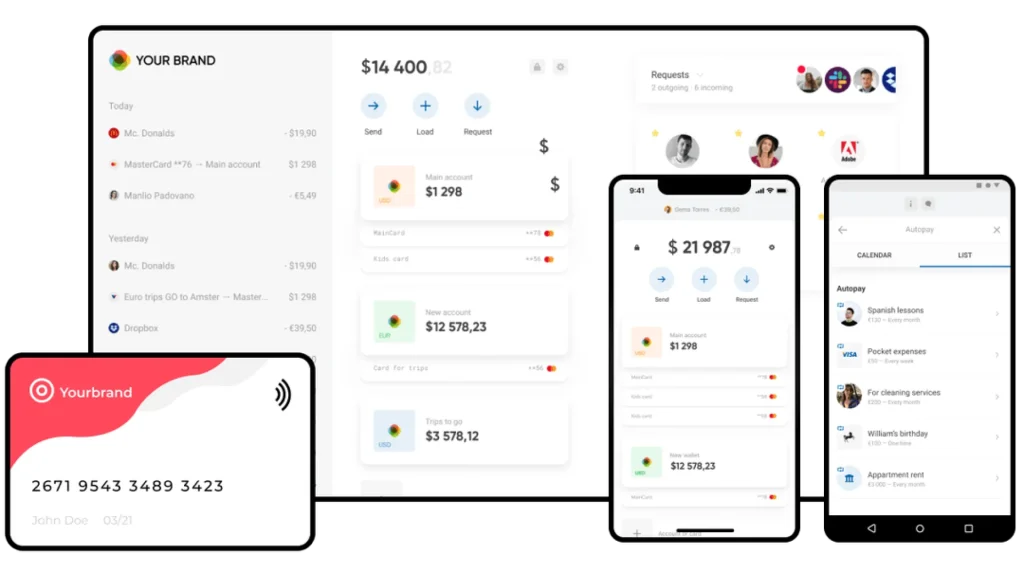
Web3 PaaS Ecosystem for Next-Gen NeoBanking, RegTech, and Secure Data Vaulting
A blockchain-powered PaaS ecosystem enabling financial providers to launch custom neobanking solutions with secure infrastructure.
Additional Info
Core Tech:
- Blockchain
- .NET
- Node.js
- AWS
- Docker
- PostgreSQL
- React Native
Country:
 USA
USA


Testimonials
Testimonials



 Sweden
The solutions they’re providing is helping our business run more smoothly. We’ve been able to make quick developments with them, meeting our product vision within the timeline we set up. Listen to them because they can give strong advice about how to build good products.
Carl-Fredrik Linné
Tech Lead at
CURE Media


 United States
We are a software startup and using Devox allowed us to get an MVP to market faster and less cost than trying to build and fund an R&D team initially. Communication was excellent with Devox. This is a top notch firm.
Darrin Lipscomb
CEO, Founder at
Ferretly



 Australia
Their level of understanding, detail, and work ethic was great. We had 2 designers, 2 developers, PM and QA specialist. I am extremely satisfied with the end deliverables. Devox Software was always on time during the process.
Daniel Bertuccio
Marketing Manager at
Eurolinx


 Australia
We get great satisfaction working with them. They help us produce a product we’re happy with as co-founders. The feedback we got from customers was really great, too. Customers get what we do and we feel like we’re really reaching our target market.
Trent Allan
CTO, Co-founder at
Active Place



 United Kingdom
I’m blown up with the level of professionalism that’s been shown, as well as the welcoming nature and the social aspects. Devox Software is really on the ball technically.
Andy Morrey
Managing Director at Magma Trading



 Switzerland
Great job! We met the deadlines and brought happiness to our customers. Communication was perfect. Quick response. No problems with anything during the project. Their experienced team and perfect communication offer the best mix of quality and rates.
Vadim Ivanenko
COO at
Optherium


 United States
The project continues to be a success. As an early-stage company, we're continuously iterating to find product success. Devox has been quick and effective at iterating alongside us. I'm happy with the team, their responsiveness, and their output.


 Sweden
We hired the Devox team for a complicated (unusual interaction) UX/UI assignment. The team managed the project well both for initial time estimates and also weekly follow-ups throughout delivery. Overall, efficient work with a nice professional team.
John Boman
Product Manager at
Lexplore



 Canada
Their intuition about the product and their willingness to try new approaches and show them to our team as alternatives to our set course were impressive. The Devox team makes it incredibly easy to work with, and their ability to manage our team and set expectations was outstanding.
Tamas Pataky
Head of Product at
Stromcore



 Estonia
Devox is a team of exepctional talent and responsible executives. All of the talent we outstaffed from the company were experts in their fields and delivered quality work. They also take full ownership to what they deliver to you. If you work with Devox you will get actual results and you can rest assured that the result will procude value.
Stan Sadokov
Product Lead at
Multilogin


 United Kingdom
The work that the team has done on our project has been nothing short of incredible – it has surpassed all expectations I had and really is something I could only have dreamt of finding. Team is hard working, dedicated, personable and passionate. I have worked with people literally all over the world both in business and as freelancer, and people from Devox Software are 1 in a million.
Mark Lamb
Technical Director at M3 Network Limited
Insights
Our Experts' Insights
Cybersecurity
Industry Trends
Outsourcing
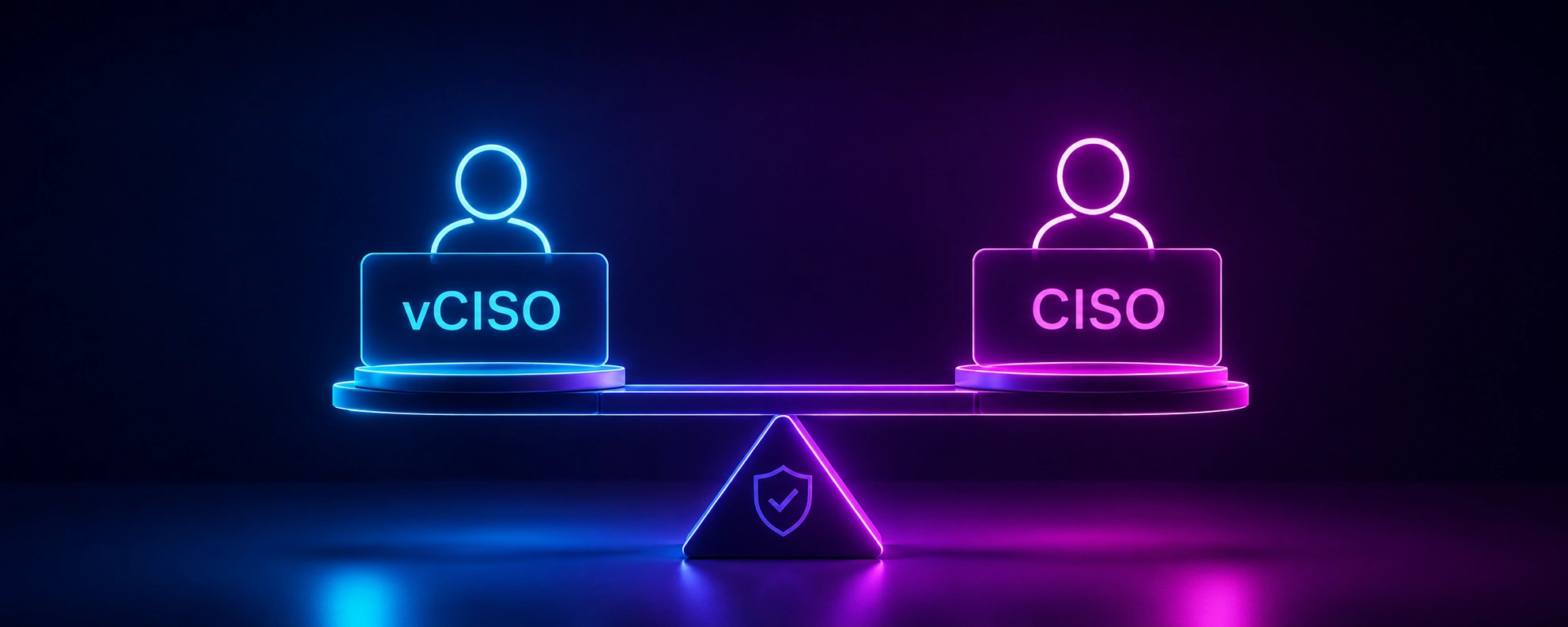
vCISO vs. CISO: What’s the Difference? And How to Choose the Right Model for Your Company

Cybersecurity
Outsourcing
Software Development
10 Common Web Application Vulnerabilities
Cybersecurity
Fintech
Industry Trends
Security Best Practices In Fintech Application Development
FAQ
FAQ
-
Which authentication factors can Devox integrate?
We integrate passkeys and FIDO2 security keys, push notifications with number matching, codes from authenticator apps, biometric unlock on the user’s device, hardware OTP tokens, and SMS or email codes as a fallback. The mix depends on the risk level of each user group and system.
-
What types of multifactor authentication are there?
Authentication factors fall into three categories:
- Something you know: a password or PIN.
- Something you have: a phone with an authenticator app, a security key or a hardware token.
- Something you are: a fingerprint or face scan.
MFA requires factors from at least two different categories. Location, device and time of access are not factors on their own, but adaptive policies use them as context to decide when to ask for additional verification.
-
How long does the MFA setup and integration process typically take?
It depends on how many applications and user groups need MFA, which identity provider you use, which legacy systems need special handling, and how the rollout is phased. After the planning stage, you get a rollout plan that shows the order in which systems and user groups move to MFA.
-
Does MFA integration affect the user experience?
Well-designed MFA adds very little friction. Adaptive policies skip extra checks on trusted devices, passkeys replace typed codes with a fingerprint or face scan, and single sign-on means users verify once per session instead of in every app.
-
How does Devox ensure that my MFA setup complies with regulatory standards?
We configure MFA against the specific requirements of the frameworks you work under. For example, PCI DSS v4 requires MFA for all access into the cardholder data environment, and SOC 2 auditors check MFA coverage and logs. Every MFA event is logged with the user, device, factor and result, so your team can export evidence for audits.
-
Can users recover access if they lose their MFA device or second factor?
Yes. Users register more than one factor and receive one-time recovery codes during enrollment. If every factor is lost, access is restored through a verified identity check by your help desk or an identity verification service, not through security questions.
-
What is a Multifactor Authentication client, and how does it work?
An MFA client is the app or component the user interacts with to complete the second step: an authenticator app on a phone, a browser prompt for a passkey or a security key. It receives a challenge from the authentication server and returns a one-time code or a signed response, which the server verifies before granting access.
-
Do you work with Duo, or do you replace it?
Duo is an MFA product, and we can integrate it like any other identity platform. Our role is to choose and implement the setup that fits your environment, whether that is Duo, Okta, Auth0, Microsoft Entra ID or MFA built into your own authentication service. We connect it to your applications, VPN and legacy systems, configure policies per user group and handle rollout and recovery.
Book a call
Want to Achieve Your Goals? Book Your Call Now!
Contact Us
We Fix, Transform, and Skyrocket Your Software.
Tell us where your system needs help — we’ll show you how to move forward with clarity and speed. From architecture to launch — we’re your engineering partner.
Book your free consultation. We’ll help you move faster, and smarter.
Let's Discuss Your Project!
Share the details of your project – like scope or business challenges. Our team will carefully study them and then we’ll figure out the next move together.
Thank You for Contacting Us!
We appreciate you reaching out. Your message has been received, and a member of our team will get back to you within 24 hours.
In the meantime, feel free to follow our social.
Thank You for Subscribing!
Welcome to the Devox Software community! We're excited to have you on board. You'll now receive the latest industry insights, company news, and exclusive updates straight to your inbox.