Operational Workflow and Job Tracking Software for Manufacturers

Let's Talk
  • ACCELERATE PRODUCTION WORKFLOWS
    Automate job routing, approvals, and handoffs so teams spend less time on ineffective operations

  • IMOROVE SHOP-FLOOR VISIBILITY
    Get real-time status across jobs, materials, and work centers, with fewer blind spots, fewer specification calls, and faster issue handling

  • CONNECT MANUFACTURING SYSTEMS
    Implement a modern, integration-ready ERP custom software that connects many processes under one hood

Why It Matters

High-quality ERP improves day-to-day operations, significantly boosting business results

Why do businesses opt for custom manufacturing ERP software?

Manufacturers pick custom manufacturing ERP software when their processes aren’t “standard,” when legacy customizations disable upgrades, or when they need to make quick tailored changes to their plant.

When integration is the main challenge, such as integrating ERP software for manufacturing company to MES, WMS, and shop-floor signals without weak point-to-point connectivity, a tailored strategy is the most effective strategy for rapid business transformations. Benefits of modernizing manufacturing ERP systems include:

  • Faster execution with fewer manual handoffs, reentries, and “side systems” in spreadsheets,
  • Tracking jobs in real time and seeing WIP across work centers, shifts, and plants,
  • Cleaner master data and live sync with MES/WMS make inventory more accurate,
  • Modular architecture and regulated rollout paths make changes and upgrades safer,
  • Instead of weak point-to-point connectivity, use an integration-ready foundation,
  • More accurate reporting and costing thanks to uniform data definitions and audit trails,
  • Workflows that are particular to each plant without any vendor restrictions,
  • More clear responsibility with ownership, timestamps, and a status history traceable for each task.

Modernizing unstable systems? Launching new products?

We build development environments that deliver enterprise-grade scalability, compliance-driven security, and control baked in from day one.

Check Our Portfolio
Our Edge

Why Choose Devox Software?

  • Modernize
  • Build
  • Innovate

Your legacy custom-made ERP software works, but every time you make a change, something breaks?

As a ERP software manufacturing company, we upgrade in stages, not all at once. Plus, shadow-mode flows and decoupled integrations keep operations stable as you upgrade.

Can't believe the numbers because the inventory and job status never match?

We clean up master data, add rules for validation, and set up real-time sync between ERP software for manufacturing, MES, and WMS so that everyone works from the same source of truth.

Old tech is becoming more of a risk for security and compliance?

Access control, logging, and audit trails update your infrastructure, and build security testing into delivery via QA methods.

Off-the-shelf ERP manufacturing software solutions makes us use generic workflows?

Job tracking and operational workflow modules are based on how your facility really works, as a tailored approach to improvements.

Need integrations, but point-to-point connections are weak?

An event-driven interconnection layer and API-first retains ERP as the system of record while data flows smoothly to MES, IoT, WMS, and finance.

Need delivery that we can count on, not an endless ERP project?

As a custom ERP software development company, we deliver in definable steps, with each release linked to results like fewer manual touches, quicker order-to-cash, and quicker exception recovery.

Data is not applicable for decisions?

We combine operational data and show it to supervisors, planners, and finance in real time on role-based dashboards so they all see the same thing.

Have reactive quality, scheduling, and maintenance but need industry 4.0 ERP solutions?

Signals from machines and MES provide predictive alerts, find anomalies, and set smarter priorities, all without stopping production tracked by ERP software for manufacturing companies.

Want results from industry 4.0 ERP solutions, but our stack isn't ready?

We make your platform ready for IoT and AI by giving you clean data models, a cloud architecture that can grow with your business, and analytics pipelines that can change as your organization does.

What We Offer

Services We Provide

Operational workflow and job tracking software for manufacturing companies is a digital system that helps manufacturers plan, assign, monitor, and coordinate production work across jobs, teams, materials, and work centers. It can centralize job status, approvals, routing, handoffs, and production updates while integrating with ERP, MES, inventory, quality, and other manufacturing systems.

  • ERP Cloud Migration and Modernization Systems

    We relocate your ERP software for small manufacturing company or enterprise to the cloud without any downtime and clean up the old core on the go. Simultaneous migration and modernization fix broken code, ensure integrations work, standardize data, and redesign the architecture to be flexible and cloud-native.

    • Re-engineering ERP for the cloud. We turn ERP software manufacturing solutions into solid and flexible cloud infrastructures.
    • Hybrid and multi-cloud custom ERP software development. We provide cloud ERP setups that find a balance between regulated on-prem workloads and cloud-driven scaling throughout the value chain.
    • Migration with no friction. We do migrations by continuously replicating data and cutting over in phases, which keeps track of every operational occurrence.
    • Updating modular apps. We break down legacy apps into containerized, modular services that get rid of the operational drag of monolithic change cycles.
    • AI-ready data orchestration. We set up system flows so that operational signals can pass through unified ERP pipelines for AI models and real-time analytics.

    You receive contemporary, stable, cloud-ready manufacturing ERP software for small business and enterprises that can grow with your business.

  • Work Order and Job Tracking Systems

    Track every production job from release through completion without relying on floor walks, spreadsheets, or manual status checks. The system gives operations teams a shared view of where work is, what is holding it up, and what needs attention next. What you get:

    • Live status by operation, work center, and shift: See which step each job is in, where it is being processed, and which shift or team currently owns it.
    • WIP visibility across every stage: Monitor work in progress by status, including queued, running, on hold, waiting for material, waiting for approval, or ready for the next operation.
    • Late-job and bottleneck alerts: Flag overdue work, stalled operations, overloaded work centers, and jobs that are drifting from schedule before they become larger production issues.
    • Full timestamped job history: Maintain a traceable record of starts, stops, completions, holds, handoffs, status changes, and other key job events for better accountability and root-cause review.
    • Split-job handling: Manage jobs that need to be divided across machines, shifts, batches, or parallel work centers while keeping progress and quantities synchronized.
  • Digital Job Travelers and Shop Floor Data Collection Systems

    Replace paper travelers, handwritten updates, and manual production logs with digital instructions and structured shop-floor data capture. Operators get the latest routing, drawings, and work instructions at the point of use, while production teams gain cleaner, more timely data from each operation. What you get:

    • Digital routings, work instructions, and drawings: Deliver the correct job steps, specifications, drawings, and supporting documents directly to operators without relying on printed packets.
    • Revision control: Keep current instructions tied to the active job so operators can work from the approved version while older revisions remain traceable for audit and history purposes.
    • Operator tablets and kiosks: Give shop-floor teams a simple interface for starting and completing operations, reviewing instructions, recording quantities, and reporting issues from the work area.
    • Barcode, QR, and RFID scanning: Speed up job identification, material tracking, operator sign-in, and transaction capture by scanning travelers, labels, parts, tooling, or work-center identifiers.
    • Good, scrap, and rework counts: Capture completed quantity, scrap, and rework at the operation level so production status reflects what actually happened on the floor.
  • Labor and Machine Time Tracking Systems

    Capture actual labor and machine time at the job and operation level so production teams can compare planned hours with what is really happening on the floor. The system creates a more reliable view of setup time, run time, downtime, and labor usage for costing, scheduling, capacity planning, and performance analysis. What you get:

    • Clock-in by job and operation: Let operators start, pause, and complete work against a specific job, routing step, or work center so labor is attributed to the correct production activity.
    • Setup vs. run vs. idle time: Separate machine and labor time into meaningful categories to show how much of each shift is spent preparing equipment, producing parts, waiting, or dealing with interruptions.
    • Crew time allocation: Track multiple employees working on the same job or operation and distribute labor accurately across crews, shifts, or production orders.
    • Downtime tracking with reason codes: Record equipment stops and production delays using standardized reasons such as maintenance, tooling, material shortages, quality holds, or operator availability.
    • Automatic machine runtime from PLCs: Capture machine states and runtime directly from connected PLCs or equipment where integration is available, reducing dependence on manual operator entry.
    • Machine and operator utilization: Use captured time data to understand how equipment and labor capacity are being used across work centers, shifts, and production periods.
    • Job costing inputs: Feed actual labor and machine hours into job-cost calculations, so finance and operations teams can compare expected and actual production costs.
    • Payroll export: Prepare approved labor-time records for transfer to payroll or workforce-management systems, reducing duplicate entry between production and administrative processes.
  • Production Scheduling and Dispatching Systems

    Plan production against real capacity, material availability, tooling, and work-center constraints instead of relying on static schedules that become outdated as soon as conditions change. The system helps planners sequence work, react to disruptions, and give each station a clearer view of what should run next.

    • Finite-capacity scheduling: Build schedules around actual machine, labor, shift, and work-center capacity so planned work reflects what the floor can realistically complete.
    • Drag-and-drop scheduling board: Reorder jobs visually and adjust sequencing as priorities, delays, or resource availability change without rebuilding the entire schedule manually.
    • Live dispatch lists by station: Give each machine, cell, or work center an up-to-date queue of prioritized jobs based on the current production plan.
    • Rush-order impact analysis: See how an expedited order affects existing jobs, capacity, due dates, and downstream operations before inserting it into the schedule.
    • Real-time schedule updates: Recalculate priorities when jobs finish early, machines go down, material arrives late, or production conditions change.
    • Schedule-to-floor synchronization
      Keep dispatch lists, job priorities, and production status aligned so schedule changes are reflected directly in shop-floor execution.
  • Workflow and Approval Automation Systems

    Digitize approval-heavy manufacturing processes so engineering, quality, production, and management teams can move exceptions and changes forward without relying on email chains, spreadsheets, or paper forms. Automated workflows route each request to the right people, track deadlines, preserve supporting evidence, and keep a complete record of decisions.

    • Engineering Change Orders (ECOs): Route engineering changes through review and approval based on product, department, or change type. Track affected parts, drawings, BOMs, work instructions, effective dates, and implementation status in one workflow.
    • Nonconformance Reports (NCRs): Capture nonconforming material or process issues directly from production, assign ownership, document disposition decisions, and track each case through resolution.
    • Deviation and concession workflows: Manage temporary departures from approved specifications with defined review steps, expiration dates, affected jobs or materials, and required authorizations.
    • Corrective and Preventive Actions (CAPA): Assign corrective actions, document root causes, track due dates, verify completion, and maintain a clear link between the original quality issue and the actions taken to address it.
    • Configurable approval routing: Define different approval chains based on value, risk, department, product family, plant, or issue type instead of forcing every request through the same workflow.
    • Escalations and SLA timers: Track how long requests remain at each stage and automatically escalate overdue reviews or approvals to prevent critical work from stalling.
Our Process

How We Work

01.

01. Shop Floor Discovery (1–2 weeks)

We look at the needs of your supply chain before we select what kind of ERP software for small manufacturing business and enterprises you need. After hearing your detailed needs and wants, we determine the tech stack, create user personas, allocate the team, and set timelines and milestones for your digital transformation of the supply chain and beyond.

02.

02. Workflow & Solution Design (1–2 weeks)

At this stage, the developers write the code for the previously intended features and functions. They create separate modules for different parts of the business, such as finance, HR, the supply chain, and so on. This stage also talks about the system's architecture and the structure of the database.

03.

03. Iterative Build with Weekly Demos

Start with core job tracking, then add time tracking, costing, scheduling and quality. The AI Solution Accelerator™ speeds up routine work. You get: working increments with automated tests, built against your real systems.

04.

04. Pilot on One Line or Work Center

Run the new stations in parallel with the current process, so production never depends on an unproven system. Tune it based on floor feedback. You get: pilot results against the KPIs and an adoption report.

05.

05. Data Migration, Training & Plant-Wide Rollout

Migrate open jobs, routings and history. Roll out work center by work center, with a rollback plan for each step. Give operators short, station-specific training. You get: the live system, reconciled data, and trained users.

06.

06. Support & Continuous Improvement

After the system is set up, our staff stays in touch to resolve bugs, add new features, or make the system bigger when your business requires it. We can adjust things based on what users say and add more features to the system later if we need to.

  • 01. Shop Floor Discovery (1–2 weeks)

  • 02. Workflow & Solution Design (1–2 weeks)

  • 03. Iterative Build with Weekly Demos

  • 04. Pilot on One Line or Work Center

  • 05. Data Migration, Training & Plant-Wide Rollout

  • 06. Support & Continuous Improvement

Benefits

Value We Provide

01

Dedicated Quality Centers

The Project Management Office (PMO), Business Analysis Office (BAO), and Quality Management Office (QMO) ensure that the projects are finished on time and within budget. They are responsible for every phase, which makes it possible to clearly define, plan, and deliver all the time.

02

Less Time to Market

AI Solution Accelerator™, automated testing, CI/CD pipelines, and infrastructure-as-code help you quickly add new features and speed up delivery while ensuring your investment in manufacturing workflow automation remains secure, reliable, and efficient.

03

Proven Knowledge in the Field

Due to our expertise in areas that are regulated, including fintech, automotive, manufacturing, and others, we adjust the ERP integration legacy systems structures, duties, and reporting to fit the needs of each industry. This way, your business environment supports critical business activities.

04

Full Lifecycle Support

We take care of everything from the strategy and architecture for modernizing custom ERP solutions for manufacturers to refactoring, migration, integrations, and optimizing after launch. This way, you don't have to deal with several vendors to keep operations running smoothly.

Case Studies

Our Latest Works

View All Case Studies
ActivePlace ActivePlace
  • health
  • fitness
  • marketplace

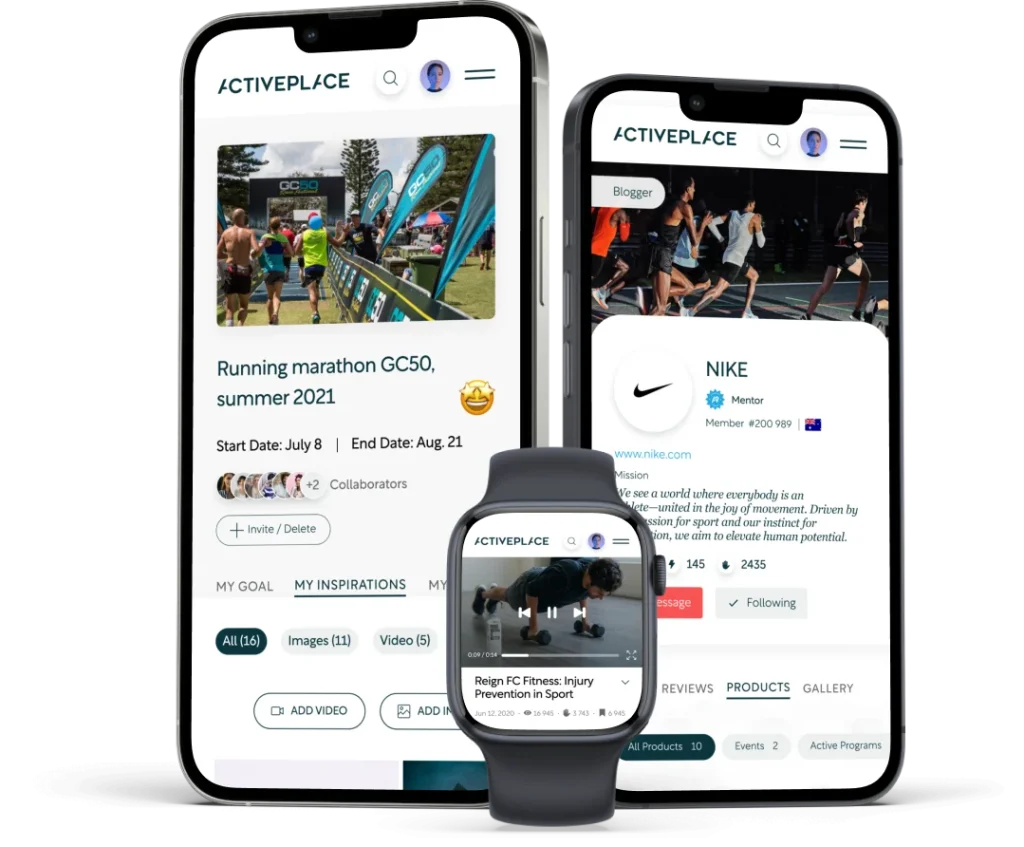
ActivePlace: Wellness-Focused Social Marketplace Platform

A wellness-focused social media and marketplace platform for active lifestyle communities.

Additional Info

Core Tech:
  • Jenkins
  • Angular
  • Ruby
  • Figma
Country:

Australia Australia

Nabed Nabed

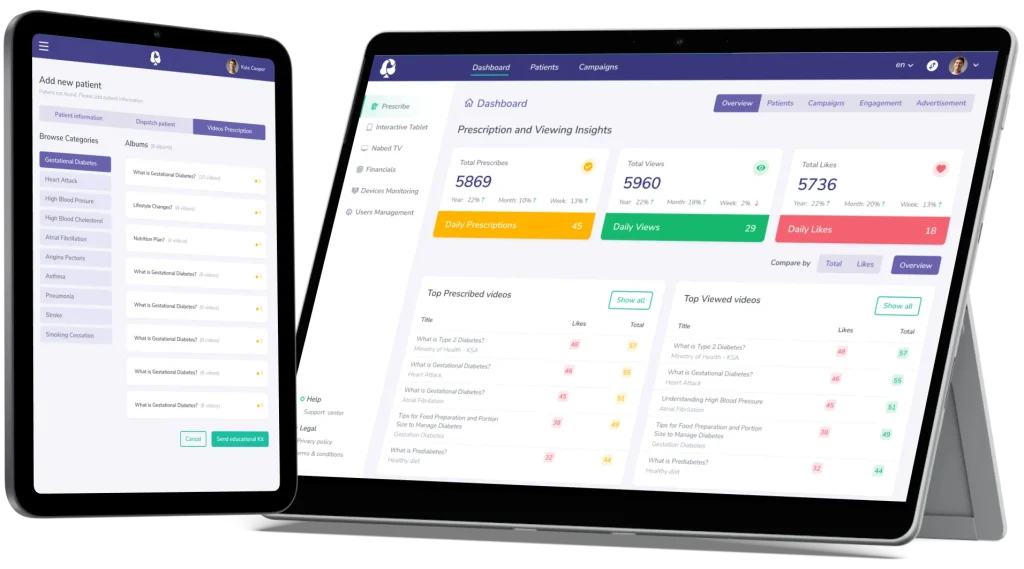
Nabed: Personalized Health Content Platform for Hospitals and Clinics

A SaaS platform bridging MedTech and MarTech to deliver personalized patient education across healthcare journeys.

Additional Info

Core Tech:
  • .NET
  • Angular
  • PostgreSQL
  • Azure
  • Docker
Country:

Lebanon Lebanon

Real Estate App: Performance, Transparency, and Client Success in One Platform Real Estate App: Performance, Transparency, and Client Success in One Platform

Real Estate App: Performance, Transparency, and Client Success in One Platform

A cross-platform real estate app empowering agents, streamlining transactions, and enhancing client transparency

Additional Info

Core Tech:
  • React
  • Laravel
  • React-Native
  • SendinBlue
  • Digital Ocean
  • Firebase
Testimonials

Testimonials

Carl-Fredrik Linné                                            Sweden

The solutions they’re providing is helping our business run more smoothly. We’ve been able to make quick developments with them, meeting our product vision within the timeline we set up. Listen to them because they can give strong advice about how to build good products.

Darrin Lipscomb Darrin Lipscomb
Darrin Lipscomb United States

We are a software startup and using Devox allowed us to get an MVP to market faster and less cost than trying to build and fund an R&D team initially. Communication was excellent with Devox. This is a top notch firm.

Daniel Bertuccio Daniel Bertuccio
Daniel Bertuccio Australia

Their level of understanding, detail, and work ethic was great. We had 2 designers, 2 developers, PM and QA specialist. I am extremely satisfied with the end deliverables. Devox Software was always on time during the process.

Trent Allan Trent Allan
Trent Allan Australia

We get great satisfaction working with them. They help us produce a product we’re happy with as co-founders. The feedback we got from customers was really great, too. Customers get what we do and we feel like we’re really reaching our target market.

Andy Morrey                                            United Kingdom

I’m blown up with the level of professionalism that’s been shown, as well as the welcoming nature and the social aspects. Devox Software is really on the ball technically.

Vadim Ivanenko Vadim Ivanenko
Vadim Ivanenko Switzerland

Great job! We met the deadlines and brought happiness to our customers. Communication was perfect. Quick response. No problems with anything during the project. Their experienced team and perfect communication offer the best mix of quality and rates.

Jason Leffakis Jason Leffakis
Jason Leffakis United States

The project continues to be a success. As an early-stage company, we're continuously iterating to find product success. Devox has been quick and effective at iterating alongside us. I'm happy with the team, their responsiveness, and their output.

John Boman John Boman
John Boman Sweden

We hired the Devox team for a complicated (unusual interaction) UX/UI assignment. The team managed the project well both for initial time estimates and also weekly follow-ups throughout delivery. Overall, efficient work with a nice professional team.

Tamas Pataky Tamas Pataky
Tamas Pataky Canada

Their intuition about the product and their willingness to try new approaches and show them to our team as alternatives to our set course were impressive. The Devox team makes it incredibly easy to work with, and their ability to manage our team and set expectations was outstanding.

Stan Sadokov Stan Sadokov
Stan Sadokov Estonia

Devox is a team of exepctional talent and responsible executives. All of the talent we outstaffed from the company were experts in their fields and delivered quality work. They also take full ownership to what they deliver to you. If you work with Devox you will get actual results and you can rest assured that the result will procude value.

Mark Lamb Mark Lamb
Mark Lamb United Kingdom

The work that the team has done on our project has been nothing short of incredible – it has surpassed all expectations I had and really is something I could only have dreamt of finding. Team is hard working, dedicated, personable and passionate. I have worked with people literally all over the world both in business and as freelancer, and people from Devox Software are 1 in a million.

FAQ

Also Asked

  • What are the key benefits of manufacturing ERP modernization in manufacturing?

    Legacy ERP modernization usually pays off in four ways:

    • planning and execution go faster,
    • shop-floor visibility improves,
    • change becomes safer, and operational risk goes down.

    The final result is the best custom ERP software with fewer firefights: planners, producers, and finance spend less time reconciling data and more time making throughput, OTIF, and margin better.

  • How long does it take for ERP upgrade manufacturing?

    If there aren’t too many adjustments, a straight “upgrade” can take about 3 to 9 months. A rewrite or replacement normally takes 9 to 18 months or more because you have to rethink procedures, integrations, reporting, and user training, frequently across many facilities.

  • What’s the difference between off-the-shelf and custom ERP development?

    You can set up off-the-shelf modern ERP solutions manufacturing quickly because it comes with pre-made modules and vendor assistance. This is perfect if your procedures are near to “industry standard.” 

    Custom ERP software development services deliver software that is built around your workflows, constraints, and data model. It works best when your business wins through unique processes or when your old ERP is so customized that “standardizing” it would cost more than building what you really need.

    In real life, a lot of firms pick a hybrid: they keep a core ERP and add custom modules where they need to stand out or when things get complicated.

  • How much does custom ERP development cost for manufacturing companies?

    The primary things that affect the costs of manufacturing digital transformation are:

    – the number of modules,

    – the level of integration complexity,

    – the quality of the data,

    – and the number of locations or users you need to support.

    A core plus a few critical modules of ERP implementation for manufacturers can cost in the low six figures, while a full ERP replacement across many sites with substantial integrations and reporting can cost in the seven figures. The best way to get an estimate is to do a quick assessment that gives you a module map, an integration map, a migration strategy.

  • How do you ensure data migration from a legacy ERP to a new system is safe?

    In the process of custom ERP development manufacturing, we usually start by profiling and cleaning up the data, setting up clear mapping and transformation rules, and doing several test migrations in a staging environment.

    Then we check everything again with reconciliation checks, employ role-based access and encryption for sensitive exports, and retain audit trails for every change. We lower the risk of cutover by practicing, having a freeze window that is as brief as possible, and having a rollback plan until finance and operations get the results they expect.

  • Can modern ERP systems integrate with IoT, MES, and AI tools?

    Yes, modern ERP systems are made to work together, and manufacturers get the most out of connecting ERP to MES, IoT/SCADA, and AI/analytics via ERP software systems index for manufacturing. The most important thing is to prevent point-to-point chaos. Use APIs, event-driven patterns, or a middleware/integration layer to ensure ERP remains the main system while operational data moves in real time without weak custom connections.

  • What are the biggest challenges in ERP modernization services for manufacturers?

    Most of the time, the hardest portions are aligning processes, ensuring data is good, and managing change, not coding. This is valuable for both ERP software for food manufacturers and metalworks.

    Finally, production can’t stop, so you need a rollout plan that keeps uptime high. This means staggered delivery, shadow mode for important flows, and clear ownership of decisions about what gets standardized and what stays unique.

Book a call

Want to Achieve Your Goals? Book Your Call Now!

Having trouble booking? Open the booking page.

Contact Us

We Fix, Transform, and Skyrocket Your Software.

Tell us where your system needs help — we’ll show you how to move forward with clarity and speed. From architecture to launch — we’re your engineering partner.

Book your free consultation. We’ll help you move faster, and smarter.

Let's Discuss Your Project!

Share the details of your project – like scope or business challenges. Our team will carefully study them and then we’ll figure out the next move together.


    By sending this form I confirm that I have read and accept the Privacy Policy

    Thank You for Contacting Us!

    We appreciate you reaching out. Your message has been received, and a member of our team will get back to you within 24 hours.

    In the meantime, feel free to follow our social.


      Thank You for Subscribing!

      Welcome to the Devox Software community! We're excited to have you on board. You'll now receive the latest industry insights, company news, and exclusive updates straight to your inbox.