
In 2026, engineering teams are expected to ship faster with smaller teams, shorter release cycles, and growing technical complexity. AI coding assistants are becoming a modern developer’s toolkit, with 92% of developers using AI coding tools. Moreover, McKinsey estimates AI may generate $4.4T annually. Regardless of the stage you’re at, from code writing to automating, AI is empowering teams to accelerate software development.
In this article, we’ve rounded up the best AI tools for 2026 that we use in various stages of software development every day. You can implement them into your team’s workflows, saving time, reducing errors, and keeping your procedures flowing.
Want to learn how to accelerate software development for your team? Let’s take a look.
How High-Performing Engineering Teams Integrate AI Tools into the SDLC
The most effective engineering organizations integrate AI across the entire Software Development Life Cycle (SDLC) to improve delivery speed, reduce repetitive work, and increase engineering focus on higher-value decisions. As a result, AI is used not only to generate code but also to plan, test, modernize, observe, and optimize operations.
Code Generation
We gathered the top tools to supercharge your coding process with AI-powered tools. Tools that autocomplete, generate, and refactor code in real time, saving hours, reducing errors, and stripping teams of mundane work.
AI IDEs: Cursor and Windsurf

Cursor and Windsurf (formerly Codeium) are next-generation AI software development tools in the form of IDEs (Integrated Development Environments). Both enhance developer productivity with real-time assistance directly inside the coding window. It means that you can simply chat with the codebase and refactor it on the fly.
For example, Windsurf collaborates with you in two ways. Firstly, it acts like a Copilot to support and direct you, and, additionally, it tackles complex tasks independently like an Agent. Even if the code generated by Windsurf has some issues, it automatically fixes the errors by picking the appropriate tests.
Furthermore, it adjusts to your coding style, analyzing where and what you’re going to do. As a result, you enjoy a more intuitive developer’s flow.
GitHub Copilot: Deep Integration with GitHub
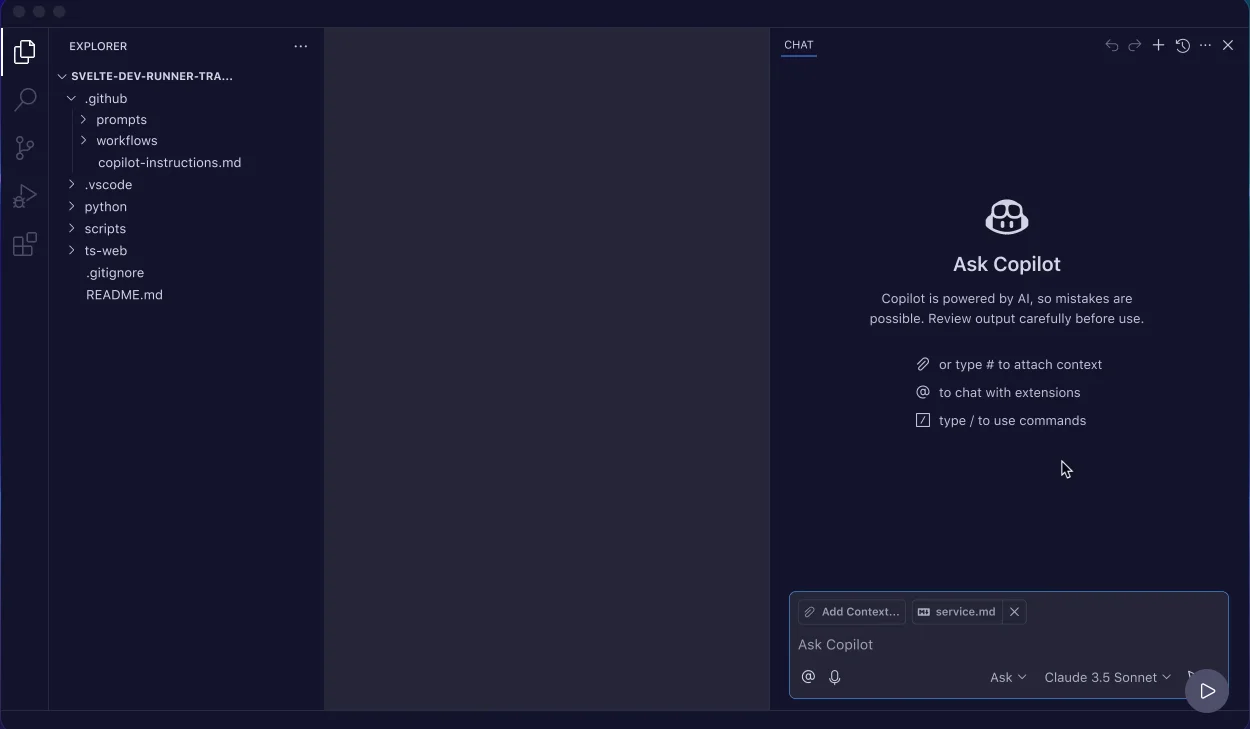
GitHub Copilot remains a cornerstone in AI-accelerated software development, offering seamless integration across the entire GitHub ecosystem. In particular, it provides intelligent code completions, function suggestions, and even generates boilerplate code based on comments. Beyond that, its tight coupling with GitHub repositories gives developers a natural extension of their workflow, making Copilot the go-to AI assistant for millions.
The Codebase Whisperer: Cody
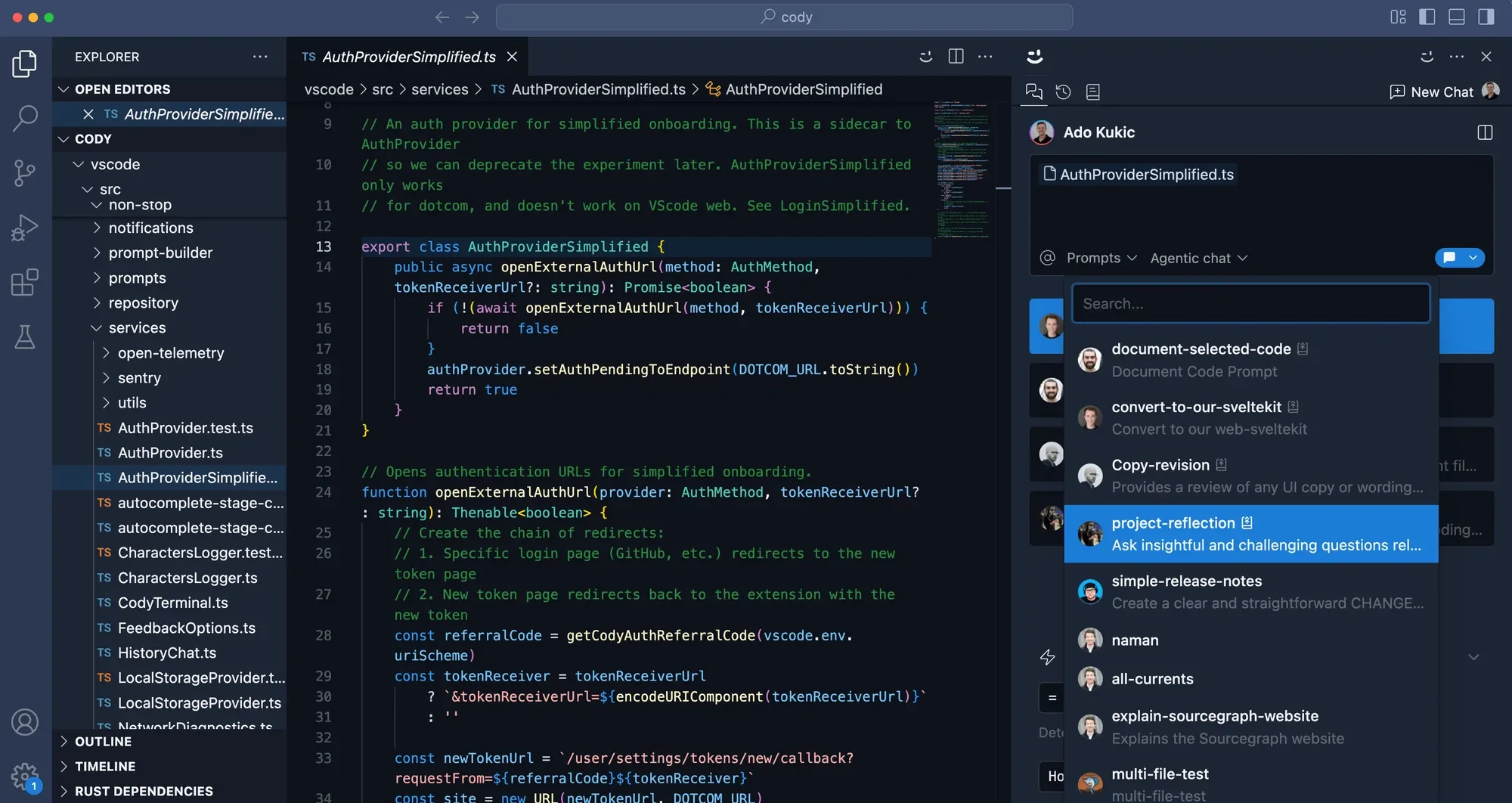
Cody AI stands out among AI tools for software development because it goes beyond basic autocomplete. It’s more like an AI teammate that deeply understands your entire codebase. Cody suggests lines with deeper insight than most AI tools, including:
- Context-aware: It analyzes your codebase, documentation, and code graph to give accurate, meaningful suggestions.
- Codebase Q&A: You can ask questions about the code, e.g., “Where is the user permissions logic handled?”, and it will locate it.
- Debug and navigate smarter: It’s designed to make sure you don’t get lost while working on big, complicated projects.
- Full-project reasoning: Cody recommends changes that make sense generally across many bases, not just in a single file.
So while most AI assistants act like autocomplete on steroids, Cody resembles a junior developer. It’s already read your entire repository and helps you code, debug, and explain things on demand.
Trusted and Secure AI Coding Assistant: Tabnine
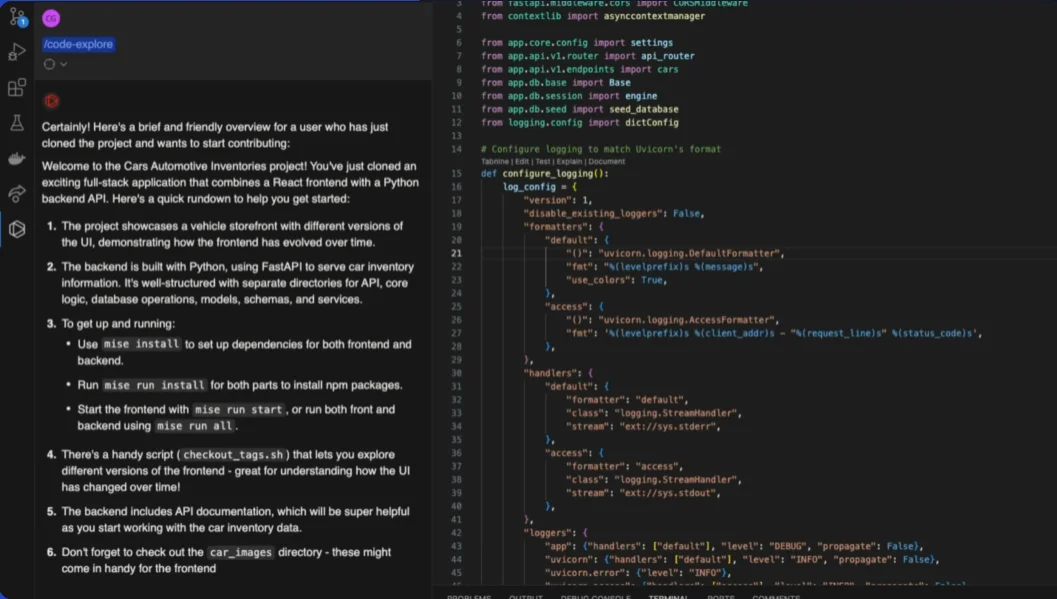
Tabnine is a seasoned veteran on the AI software development tools list. Built on GPT-4o and Claude 3.5 sonnet and with enterprise-grade security in mind, it delivers context-aware autocompletions personalized to your team. Tabnine’s strong points are:
- Security: A safe bet when your team needs reliable AI coding without compromising policy, including minimum IP liability of third-party models.
- Privacy: Tabnine ensures your privacy with end-to-end encryption and zero data retention, prioritizing continuous monitoring and audits.
- Flexibility: It is easily implemented in the team’s workflows, connecting to codebases, requirements, and documentation.
All these, along with the possibility to fine-tune Tabnine to your goals and needs, make it an invaluable finding for every development team.
Code Review
Coding is only the first step to robust software. You need to check its quality and improve it to ensure the software works fine. AI tools can help with that, streamlining the quality assurance phase ultimately. They debug, refactor, and document, making it easier to keep your codebase clean, stable, and future-proof.
Smarter Test Coverage: Qodo
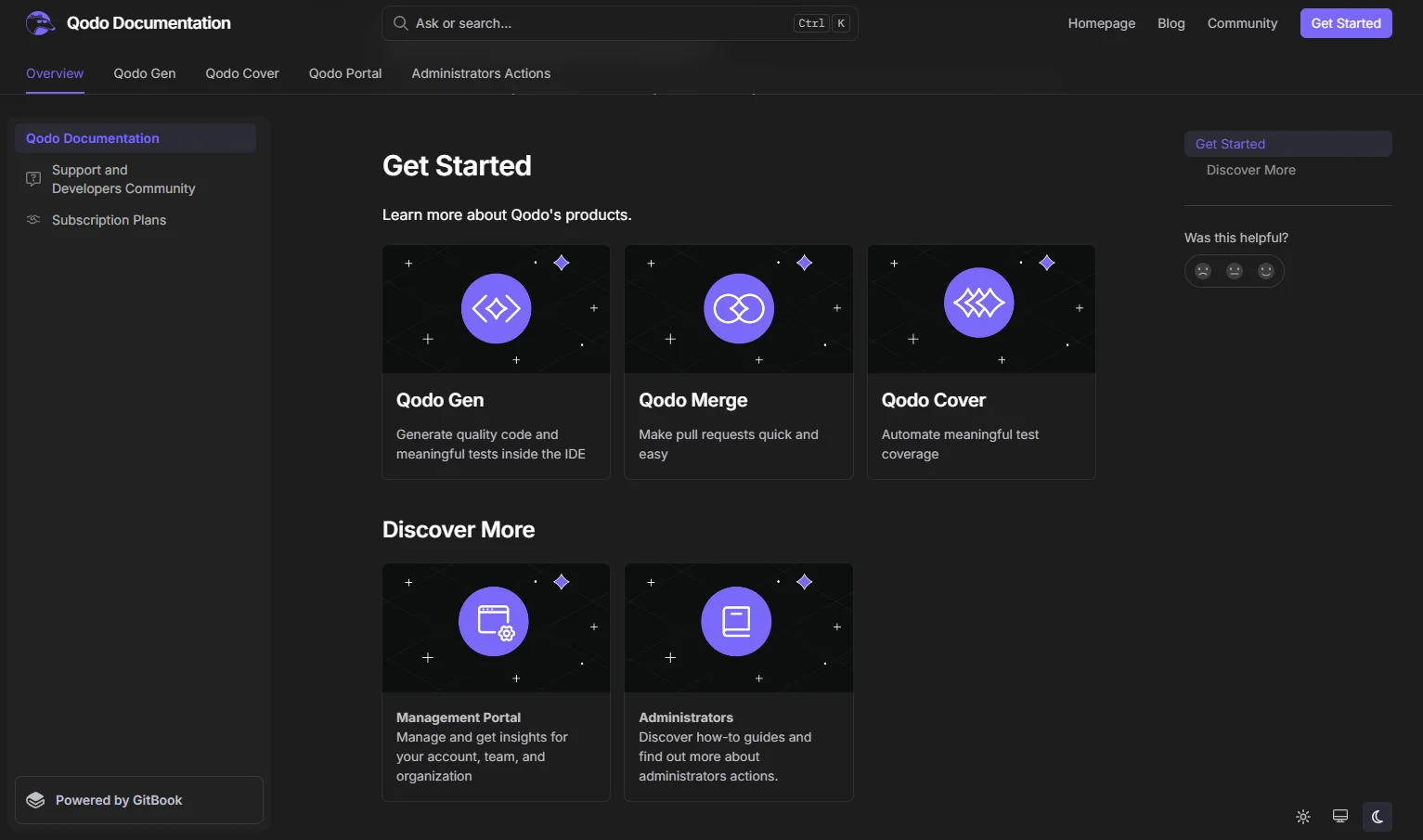
Qodo (ex-Codium AI) unites writing, testing, and reviewing into one smooth, accelerated software development flow. It tests as you code, spotting gaps and offering smart suggestions based on your logic and comments. Qodo offers:
- Context-aware regression test generation,
- Test validation,
- Code analysis and coverage reports.
As a result, you need less manual test writing while getting more confidence in code quality.
Docs That Write Themselves: Mintlify Writer
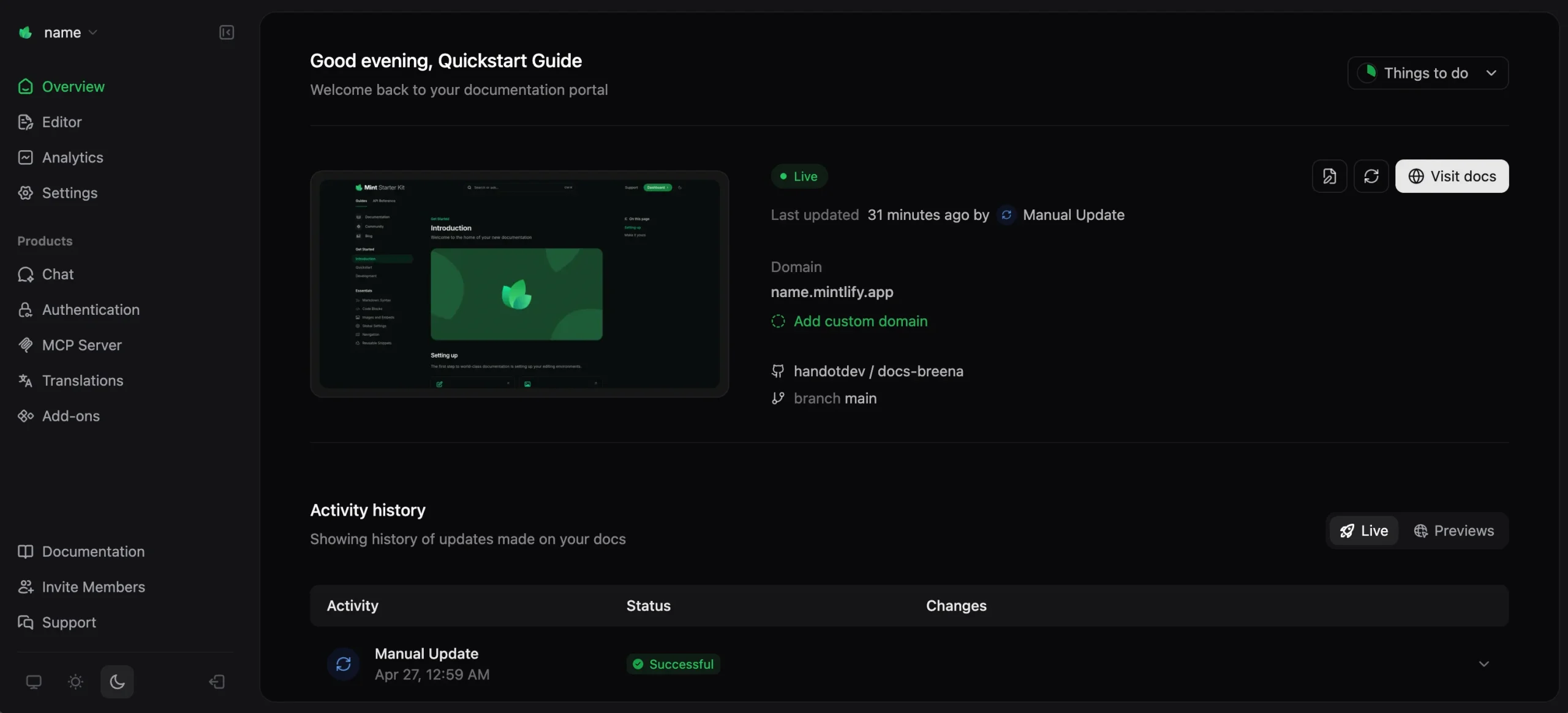
If writing code documentation seems mundane to you, you’ll like Mintlify. It’s built to accelerate software development, generating smart, context-aware docs straight from your code with just one click. Eventually, you free up myriads of hours for actual development with:
- A single click, comprehensive documentation,
- Various programming languages supported,
- Generating descriptions with context awareness.
Mintlify is heavily optimized for user discovery and engagement. Using a drag-and-drop interface, it ensures easy collaboration and a smooth experience.
Say Goodbye to Migration Headaches: Grit
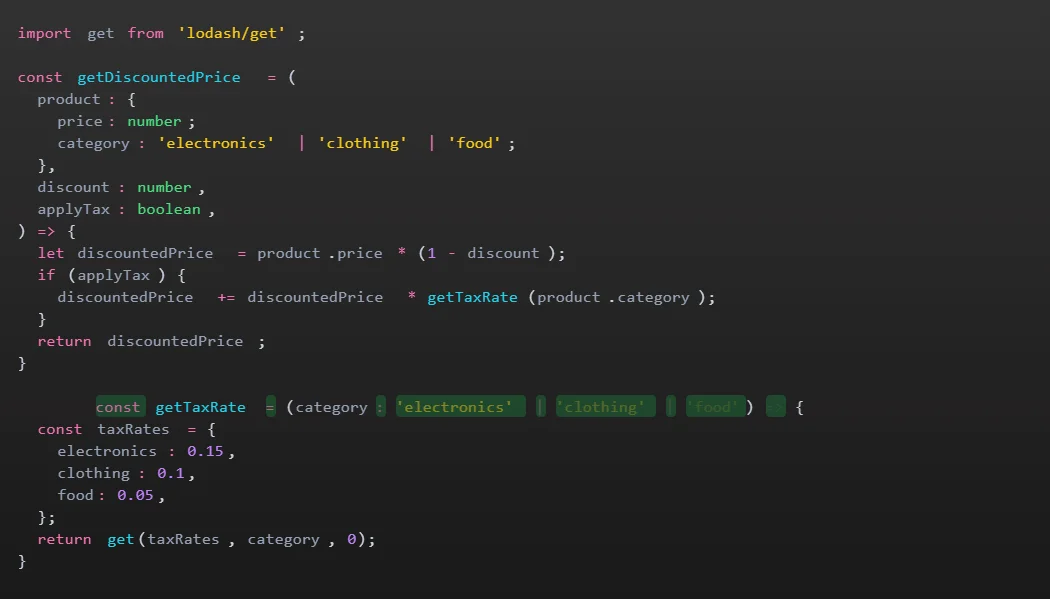
Another top choice of AI tools for software development is Grit. Grit automates code migrations and dependency updates so you don’t need to waste sprints on technical debt.
We no longer need to have migration-specific sprints thanks to Grit. For teams managing legacy systems or frequent code migrations, Grit is perfect. It greatly facilitates keeping abreast of technological advancements without causing ongoing initiatives to falter.
Code Reviews Made Easy: WhatTheDiff
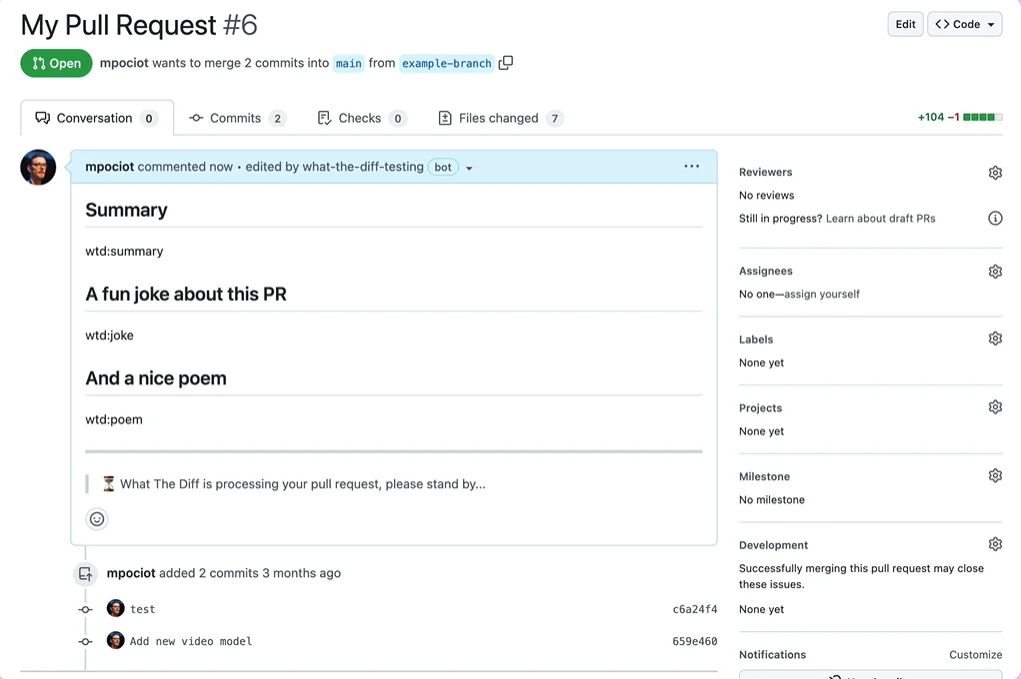
WhatTheDiff is a king among AI software development tools to summarize your pull requests and offer auto-suggestions for improvements. Perfect for fast-paced teams handling frequent PRs. Key features include:
- Instant recommendations for code restructuring,
- Pull request simplification,
- Detailed reporting and alerts.
As a result, the main advantage of WhatTheDiff is that it describes changes for you and spots issues before humans do. Perfect fit.
Smarter Bug Tracking: Bugasura
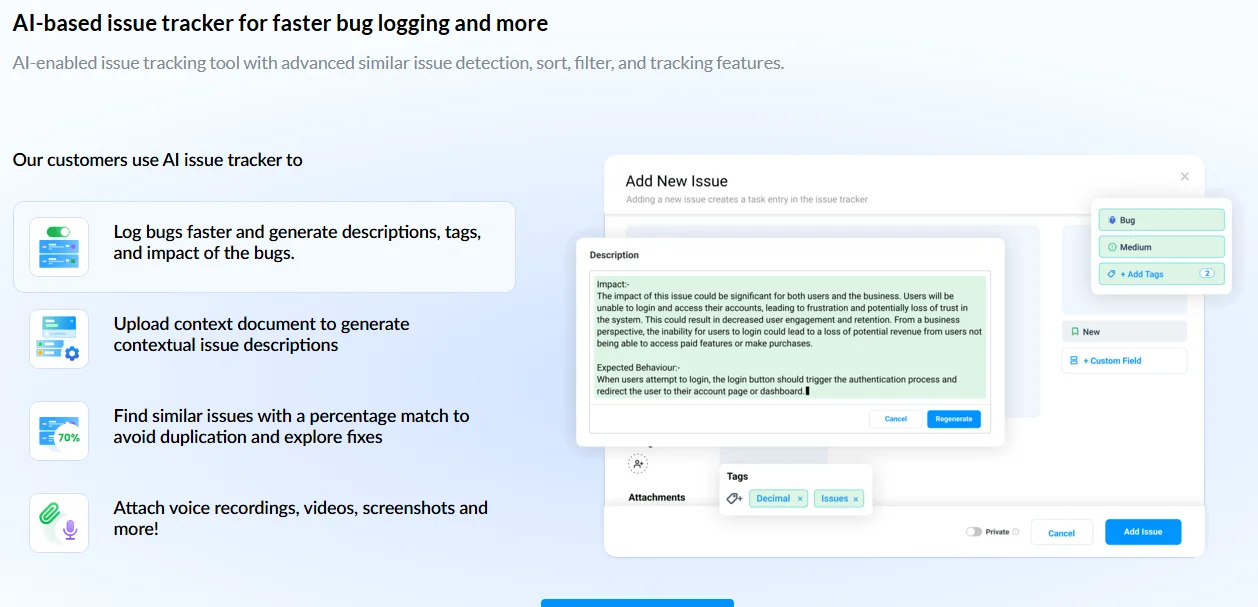
Bugasura uses AI to group similar bugs, reduce duplicates, and speed up resolutions. It’s ideal for teams managing a high volume of reports from multiple sources. Key features include:
- AI-powered detection of related bug reports,
- Tracker links and other collaboration features,
- Add-ons for contextual bug reporting.
To sum up, Bugasura turns messy bug queues into clean, actionable lists easily. Your team would love the ability to accelerate software development.
Honorable Mention
While not in the core lineup, some other tools deserve a shoutout. They’re evolving fast, offering solid alternatives for specific environments or use cases.
Text App Builders: Bolt, Lovable, and V0
Tools like Bolt, Lovable, and V0 are leading the charge in text-to-app generation. They turn natural language prompts into working UI prototypes or full-stack apps. Bolt enables teams to build front-ends rapidly, while Lovable brings delightful user experience design to the forefront. V0 by Vercel is especially popular among front-end devs, transforming descriptions into polished React components in seconds.
Nevertheless, regardless of the pluses, they deserve only an honorable mention, not a firsthand usage for teams. Since they lack integrity and security, they are not suitable for large projects.
AI Agents: No-Code Coding Solutions
AI agents are evolving into full-blown digital coworkers — some no-code, some designed for developers. For example, test writing and bug tracking agents spin up backend logic or automate workflows. Whether you’re looking to automate QA or deploy a mini-assistant to build features based on specs, AI agents are bridging the gap between product vision and working code.
Frontier Models: ChatGPT, Claude, Gemini, and Perplexity
Frontier AI models, such as ChatGPT (OpenAI), Claude (Anthropic), Gemini (Google), and Perplexity, power many of the smart assistants developers use today. Some of them we’ve mentioned today.
Despite general similarities, each brings unique strengths. For example, ChatGPT excels in code understanding and ideation, Claude offers long-context reasoning, Gemini integrates naturally into Google’s dev tools, and Perplexity is becoming a go-to for research-heavy workflows.
However, they lack adaptivity, and, as a result, should be customized and polished for teamwork.
Best AI Coding Tools Comparison
| Tool | Best For | Strength | Weakness |
| Cursor | AI-native coding | Deep codebase interaction | Requires workflow adaptation |
| Windsurf | Autonomous coding | Agent-like execution | Still evolving |
| GitHub Copilot | GitHub workflows | Seamless integration | Less project reasoning |
| Cody | Large repositories | Full-codebase awareness | Higher learning curve |
| Tabnine | Enterprise security | Privacy and compliance | Less flexible creativity |
Fast-Choice Snapshot
Best for Enterprise Teams: Tabnine, Cody.
Best for Fast MVP Development: Cursor, Windsurf, V0.
Best for Legacy Modernization: Grit, Cody.
Best for QA Automation: Qodo, Bugasura.
Risks of AI-Powered Software Development Tools
AI is a good thing; however, careless use is risky. While AI tools significantly accelerate software development, they also introduce new technical, operational, and compliance risks. Engineering teams adopting AI-assisted workflows must understand these limitations to avoid creating long-term architectural, security, or governance problems.
Hallucinations and Incorrect Code Generation
AI coding assistants can generate code that appears correct but contains logical flaws, outdated patterns, or entirely fabricated implementations. This is commonly known as a hallucination. For example, an AI assistant may:
- invent non-existent APIs
- generate deprecated library usage
- produce inefficient database queries
- suggest insecure authentication logic
- misunderstand business requirements
The risk becomes higher in large-scale enterprise systems where small logic errors can create downstream operational issues. Because of this, AI-generated code still requires human review, testing, architecture validation, and security verification. AI can accelerate implementation, but it should not replace engineering judgment.
Insecure Code and Security Vulnerabilities
One of the biggest concerns around AI software development tools is security. AI assistants may unintentionally generate:
- vulnerable authentication flows
- exposed secrets or credentials
- unsafe SQL queries
- insecure API integrations
- weak encryption implementations
- code patterns susceptible to OWASP Top 10 attacks
Additionally, some public AI tools may use submitted code for future model training unless enterprise privacy protections are enabled. For organizations handling financial data, healthcare systems, and enterprise IP security, governance becomes essential when integrating AI into the SDLC. As a countermeasure, teams should establish the following:
- secure AI usage policies
- code review requirements
- data protection rules
- AI governance frameworks
- approved tooling lists
Dependency and Vendor Lock-In Risks
Many AI development platforms rely on proprietary ecosystems and cloud-hosted inference models. Over time, teams may become operationally dependent on a specific AI IDE, proprietary prompting workflows, AI-generated architectural patterns, and vendor-hosted APIs. This creates potential lock-in risks, especially if pricing changes dramatically or models become restricted. To avoid this, engineering leaders should evaluate:
- portability
- offline capabilities
- enterprise controls
- integration flexibility
- long-term sustainability
before standardizing AI tooling across development teams.
Compliance and Data Governance Concerns
AI-assisted development introduces serious compliance considerations, particularly for enterprises operating under GDPR, HIPAA, PCI DSS, SOC 2, ISO 27001, and EU AI Act requirements.
Sensitive business logic, customer data, or proprietary source code may unintentionally enter third-party AI systems if governance policies are unclear. Organizations should define:
- what data can be shared with AI systems
- approved AI vendors
- retention policies
- audit requirements
- access controls
Enterprise-ready AI adoption requires governance maturity alongside engineering acceleration.
Lack of Architectural Reasoning
AI tools are highly effective at generating isolated code snippets, but they still struggle with long-term system architecture decisions. For example, AI assistants may not fully understand scalability tradeoffs, distributed systems complexity, event-driven architecture design, infrastructure cost optimization, and more. As a result, AI-generated implementations may solve local problems while creating larger systemic issues across the platform.
Architecture still requires experienced engineers capable of balancing. AI can assist architecture discussions, but it cannot replace strategic technical leadership.
Overreliance on Generated Code
Another emerging challenge is overdependence on AI-generated output. Teams that blindly accept generated code risk it. Over time, this can create engineering organizations that ship quickly in the short term but struggle with maintainability and deep technical ownership. The highest-performing teams use AI as an accelerator, a collaborator, and a productivity layer, not by chance as a replacement for engineering expertise.
Final Thoughts
AI tools empower us to do our best work rather than taking the developers’ place. These tools are worth noting, whether you need assistance with sprint reports, documentation, or simply sorting through noisy pull requests.
Devox Software integrates the best AI software development tools into our routines, so we’re glad we had the chance to share valuable insights with you. Tools and approaches are amalgamated into a proven AI Solution Accelerator™ that serves as a trademark of quality and innovation.
Frequently Asked Questions
-
What are the best AI tools for software development in 2026?
The best AI tools for software development in 2026 depend on the specific workflow and engineering goals. Cursor and Windsurf are among the leading AI-native IDEs for real-time coding assistance. GitHub Copilot remains one of the most widely adopted AI coding assistants because of its GitHub integration and developer ecosystem. Cody stands out for a large codebase understanding, while Qodo helps automate testing and code reviews. For migration-heavy environments, tools like Grit help accelerate legacy modernization and dependency updates.
-
Can AI replace software developers?
AI is unlikely to replace software developers entirely. Instead, it is changing how engineering teams work. AI tools can automate repetitive tasks such as code generation, documentation, testing, and debugging, but they still lack deep business understanding, architectural reasoning, and strategic decision-making abilities. Modern engineering teams increasingly use AI as a productivity accelerator while developers remain responsible for system design, validation, security, and long-term maintainability.
-
Which AI coding assistant is best for enterprise teams?
Enterprise teams typically prioritize security and scalability. For these reasons, tools like Tabnine and Cody are gold in enterprise environments. This way, Tabnine emphasizes privacy, secure deployment, and enterprise governance, while Cody performs well in large repositories where context-aware reasoning across the codebase is important.
Moreover, as an alternative variant, GitHub Copilot Enterprise is also becoming popular among organizations already standardized on GitHub workflows.
-
Are AI coding tools secure?
AI coding tools improve productivity, but they also introduce security risks if not governed properly. AI assistants may generate insecure code patterns, expose sensitive logic, or suggest vulnerable implementations. Additionally, some public AI platforms may process submitted code externally unless enterprise protections are enabled.
-
What AI tools help with legacy modernization?
Grit helps automate migrations and dependency upgrades, reducing manual modernization effort.
Cody assists teams in understanding large legacy repositories by enabling contextual codebase analysis and navigation.
AI-powered IDEs like Cursor can also accelerate refactoring and modernization workflows by generating boilerplate code, explaining old logic, and assisting with framework upgrades.
AI becomes especially valuable during:
- framework migrations
- monolith decomposition
- API modernization
- technical debt reduction
- documentation recovery
-
Which AI tools support code migration?
Tools like Grit specialize in code migration and automated refactoring workflows. They help engineering teams update dependencies, modernize frameworks, and automate repetitive migration tasks. AI IDEs such as Cursor and Windsurf can also support migrations by analyzing legacy patterns and generating updated implementations.